Doodle Shooter Challenges and Leaderboards: Seeds, Sharing and Ranking
Understand daily UTC challenges, reproducible seeds, sharing, anonymous scores and leaderboard tie-break rules.
A challenge is a repeatable solo setup, not a multiplayer room. This guide explains what is shared, what counts as a submitted score and how to read the result screen. Screenshots were captured from the local game on November 1, 2026; no test scores were submitted to the live leaderboard.
Start the daily challenge
The homepage shows a UTC date, map, target score and target wave. Click Play Today’s Challenge, then START CHALLENGE inside the game. Every attempt starts at Wave 1. The current daily configuration uses District, 18,000 points and target wave 10; these settings may change in later versions.
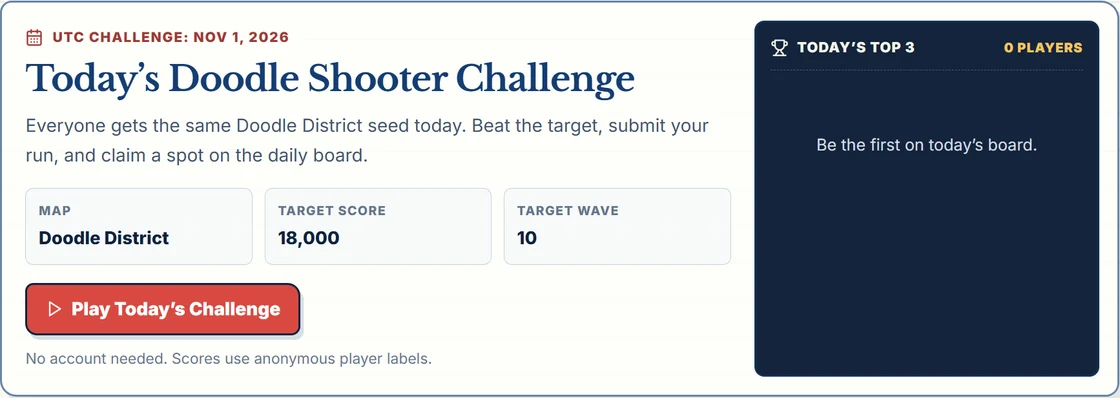
The date changes at midnight UTC, which is 08:00 in mainland China and 07:00 in western Indonesia. Reload the homepage to obtain the new daily link. An old saved link retains its parameters; it does not automatically become the next day’s challenge.
What the seed does and does not reproduce
The URL records a challenge version, seed, District map, target score and target wave. For the same game version, the seed controls wave selections, enemy spawn setup and drops. It does not replay your movement, enemy decisions or exact combat timing. Similar starting conditions are useful for practice, not a promise of identical outcomes or cheat-proof competition.
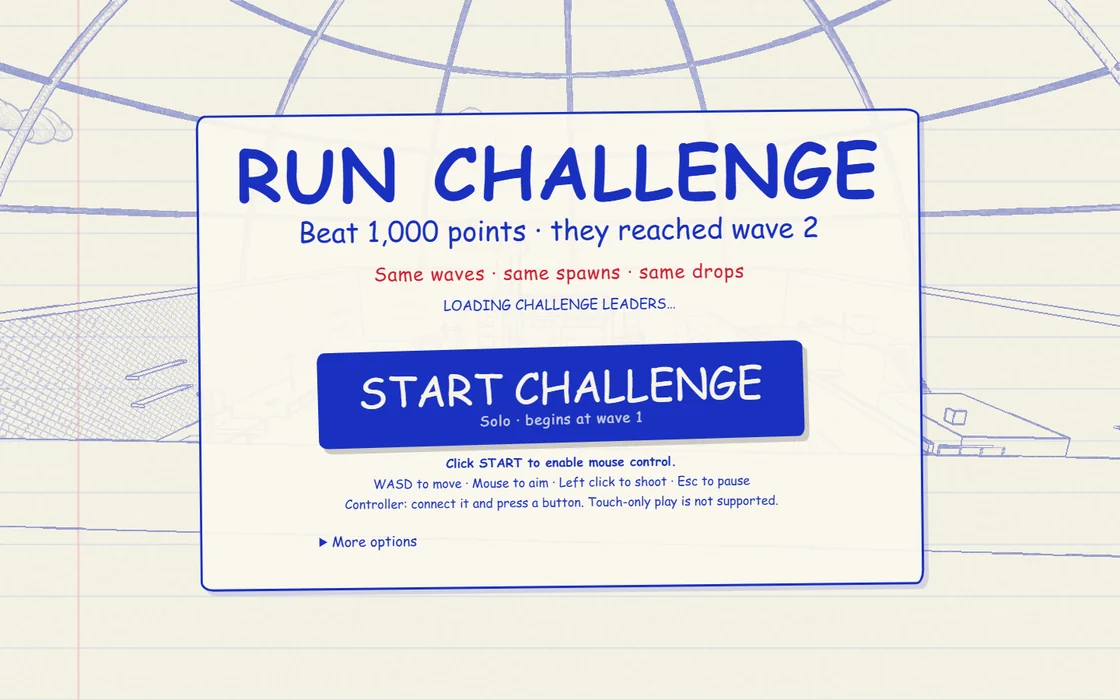
The board is grouped by challenge version, map and seed. Target score and target wave describe the goal shown by a link; changing them does not create a separate leaderboard for the same seed. Only District is supported by the current ranked challenge flow.
Finish, then decide whether to submit
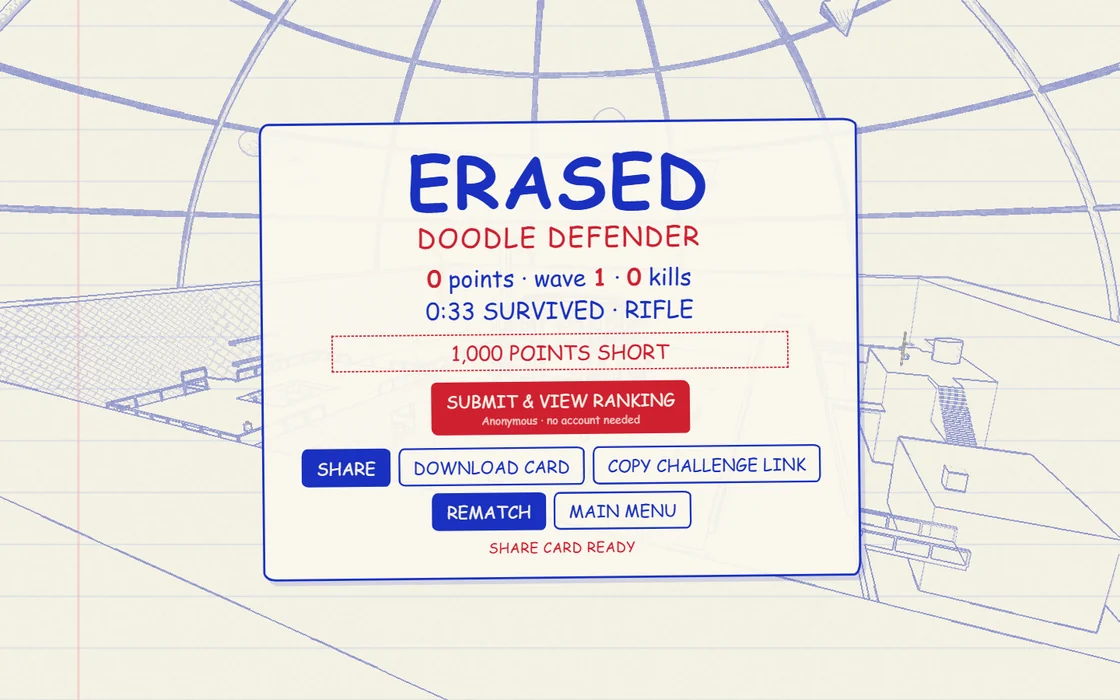
Click SUBMIT & VIEW RANKING if you want to submit. A share card or screenshot is not proof of server acceptance. The game registers a run with the server when play begins; submission needs that run, the matching browser identity and valid result fields. A run expires after two hours and can only be consumed once. The server checks timing and plausibility, but this is not a claim of comprehensive anti-cheat verification.
How ranking and personal bests work
Entries sort by these rules, in order:
- Higher score.
- Higher wave if scores tie.
- More eliminations if both still tie.
- Shorter recorded survival time if the preceding fields tie.
- Earlier stored update timestamp if all those fields tie.
Each browser identity keeps one best entry per version, map and seed. A later weaker attempt does not replace it. An exact tie is not a new personal best. The homepage shows the top three; the full board can show more entries. A rank reflects accepted entries when the board is fetched and can change later.
Copy a link or download a card
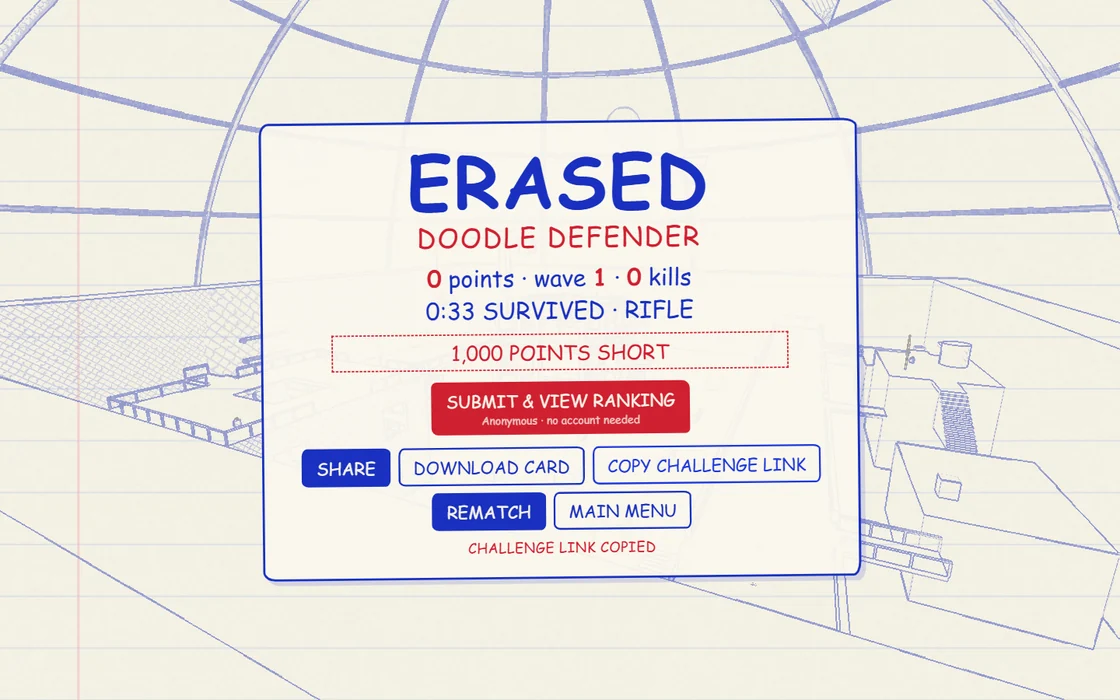
COPY CHALLENGE LINK uses this result’s score and wave as the next target. In this real example, the original goal was 1,000 points, but the generated link targets the actual result: 0 points at Wave 1. Save the original link if you want to repeat its original target. REMATCH retries the active challenge; DOWNLOAD CARD saves the generated image. SHARE depends on browser and device support; copying or downloading is the fallback. Sharing a daily result does not automatically mean the copied link opens today’s current homepage challenge.
Anonymous identity and failed submissions
Understand your anonymous identity
No account is needed. An HttpOnly doodle_player cookie stores a random identifier for up to one year; the server hashes it and publishes a label such as INK-AB12. Clearing cookies or using another browser can create a different identity. Local best scores and accepted server leaderboard entries are different records. See the privacy policy.
Resolve submission errors
- Board unavailable: check the connection and reload later. An error is not an empty board.
- Run expired or missing: start another run from the original challenge link; a screenshot alone cannot restore a run registration.
- Already submitted: refresh the board rather than repeatedly submitting the same result.
- Too many requests: wait before trying again. Do not repeatedly restart or submit.
- Validation rejected: do not alter score fields; replay normally. Report the challenge link, browser and error message through About and contact, without sending cookies or other credentials.
Begin with the practice guide or follow the illustrated District route.